You built a website, you spent money on it, and when you search your own business name, nothing shows up. This is one of the most common problems business owners run into. It almost always comes down to one root cause: website development and SEO were handled as two separate jobs instead of one system.
Below are the ten most common reasons, covering both technical development issues and SEO fundamentals, including what matters for AI search engines like ChatGPT and Google AI Overviews.
1. Your Website Is Still Too New
New domains take time to earn Google’s trust. Even a well-built, well-optimized site can rank poorly for the first few months simply because it hasn’t accumulated enough crawl history and authority yet.
According to Google’s own Search Advocate John Mueller, indexing can take anywhere from several hours to several weeks, though most good content is typically picked up within about a week (Search Engine Journal). For a brand new domain overall, discovery and initial indexing usually falls somewhere between four days and four weeks, but appearing in search results for competitive keywords takes considerably longer, often three to six months of consistent effort (Rapid Websites).
While you wait, focus on:
- Submit your sitemap: through Google Search Console so Google can find your pages faster.
- Publish content consistently: rather than launching once and going quiet for months.
- Set up your Google Business Profile: to build credibility signals outside your website itself.
If a developer promises first-page rankings in two weeks, that’s a warning sign, not a selling point.
2. Indexing Errors Are Hiding Your Site
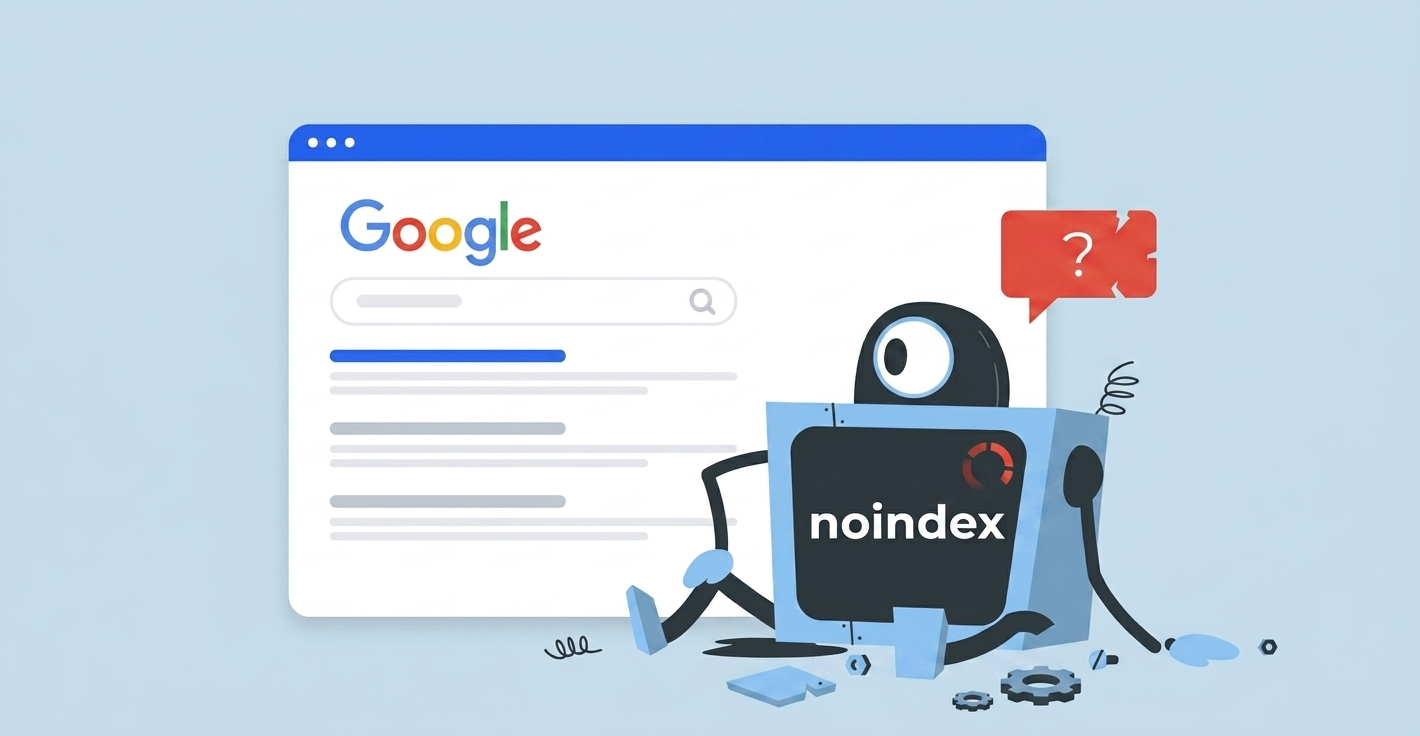
Most “invisible” websites weren’t banned by Google. They were simply never indexed, usually because of a technical setting left behind by accident. A common scenario: a developer builds the site on a staging server with a noindex tag active to keep it hidden from Google during testing, then forgets to remove that tag before launch. The same applies to robots.txt and llms.txt files. If these accidentally block your best pages, or block AI crawlers like GPTBot and PerplexityBot, your content becomes invisible to both traditional search and AI search at once.
Check this yourself in a few minutes:
- Search
site:yourdomain.comon Google: if nothing appears, you have an indexing problem. - Open Google Search Console: and check the Pages report for entries like “Excluded by noindex tag” or “Crawled, not indexed.”
- Ask your developer directly: whether
noindexwas removed before launch, and confirmrobots.txtandllms.txtaren’t blocking pages you actually want found.
3. Confusing Site Structure
If Google can’t navigate your pages easily, it can’t rank them, and if your customers get lost too, the structure needs fixing on both the development side and the SEO side. This is where the two disciplines overlap directly: a developer decides how pages link together, while SEO strategy decides which pages matter most.
Common problems include important pages buried several clicks from the homepage, orphan pages that nothing links to, and menus that make sense internally but confuse both users and crawlers. A typical example: a “Services” menu with ten dropdown items, three of which lead to pages that no longer exist, while the actual best-selling service is buried under a generic tab called “Solutions” that nobody clicks. Another common case is a blog with 80 posts but no categories or tags at all, so neither Google nor a visitor can tell what the site is actually about at a glance.
Aim for a simple structure: homepage at the top, main category pages below it, specific pages branching off those, with every page reachable within two or three clicks.
4. Content That’s Too Thin and Missing Your Main Keyword
A page with one paragraph and a stock photo gives Google nothing to evaluate, especially if it never mentions your main keyword in the title, the H1, a subheading, or the body text. Watch for service pages under 200 words, copied manufacturer descriptions, and blog posts that restate the title without adding real information. Fix it by answering the actual question a customer is searching for, in enough detail to be useful, with your keyword worked in naturally.
5. A Slow or Unreliable Website
A slow-loading or frequently down website doesn’t just frustrate visitors. It signals to Google that the site isn’t reliable enough to recommend, which quietly hurts rankings even when everything else is done right. The most common causes are:
- Unoptimized images and video: large, uncompressed files that weren’t resized or converted before upload.
- Cheap or overloaded hosting: servers that can’t handle traffic spikes without slowing down or going offline.
- Too many third-party scripts: plugins, chat widgets, and tracking tags all loading on every single page.
- Bloated themes or templates: unnecessary code and features the site doesn’t actually use.
- No caching set up: the server rebuilds the same page from scratch on every visit instead of serving a stored version.
Test your site speed with Google’s PageSpeed Insights and confirm your host guarantees at least 99.9% uptime. Cutting corners on hosting is a development decision with a direct SEO cost, another reminder that website development and SEO share the same outcome even when they’re handled by different people.
6. Missing Alt Text on Images
Every image needs descriptive, keyword-relevant alt text, and this gets skipped more often than almost anything else on this list. Alt text helps Google understand what an image shows, and it’s just as important for AI tools, since neither Google’s crawlers nor most LLMs can interpret a picture the way a person does. A product photo with no alt text is invisible to search, no matter how good the image itself looks.
Go through your existing pages and add short, accurate alt text to every image, describing what it actually shows rather than stuffing it with keywords.
7. Weak or Missing Meta Titles and Descriptions
Every page needs a unique meta title under 60 characters and a meta description under 160 characters, both written naturally with your main keyword included. Many websites launch with generic, duplicate, or entirely blank meta titles and descriptions across dozens of pages, which makes it hard for Google to tell your pages apart and hard for a searcher to know why they should click yours.
You can check this yourself for free using a browser extension like SEO Meta in 1 Click or Detailed SEO Extension, which show you the meta title, description, and headings for any page instantly.
8. No Schema Markup for AI and LLM Crawlers
Google AI Overviews, ChatGPT, Perplexity, and similar tools increasingly rely on structured data such as Article, FAQPage, and HowTo schema to understand and cite content accurately. This isn’t optional anymore. A site without schema is harder for AI search engines to read and far less likely to be cited, which is one more reason website development and SEO can’t be planned separately in 2026.
If your developer hasn’t added schema markup to your key pages, this is worth raising directly. It’s a relatively small technical addition with a real impact on whether AI tools surface your business at all.
9. A Redesign or Platform Switch Without a Plan
If traffic dropped sharply right after a redesign or a platform migration, the likely cause is missing redirects. Old URLs stopped existing without pointing Google to their new location. Every existing URL needs to be mapped to its new equivalent with 301 redirects before an old site is taken down. Skip this step and years of ranking history can disappear within days.
Before any redesign, make sure you:
- Document every existing URL: so nothing gets lost when the old site comes down.
- Set up 301 redirects: mapping each old URL to its new equivalent before launch.
- Resubmit your sitemap: to Google Search Console immediately after the new site goes live.
- Monitor traffic closely: for four to six weeks after launch to catch any drop early.
10. Nobody Is Actually Checking
A surprising number of businesses set up a website once and never look at it through Google’s eyes again. No one is watching Search Console for crawl errors, no one is tracking whether rankings move, and no one notices when something breaks after an update. SEO isn’t a one-time setup; it needs regular, if lightweight, attention.
Google Search Console and PageSpeed Insights are both free and cover indexing, crawl errors, and speed in one place. Combined with a meta-checking browser extension, that’s enough to catch most problems before they cost you real traffic.
The Real Fix

Every issue above points back to the same problem: website development and SEO were built as two disconnected efforts instead of one coordinated strategy. A technically solid website with no SEO thinking behind it stays invisible. A strong SEO plan layered onto a broken or slow website doesn’t hold up either.
If you’re evaluating an agency, ask one direct question: how do you make sure website development and SEO don’t work against each other?
If your site needs a technical SEO audit or a rebuild that’s built to rank from day one, Kesato’s SEO & SEM service covers indexing, on-page optimization, and ongoing strategy, while the web design and development service handles the technical foundation, from site structure to speed to launch. You can see the full range of what we do at kesato.com.
Frequently Asked Questions
How do I know if my website is indexed by Google?
Search site:yourdomain.com directly in Google. If your pages appear in the results, you’re indexed. For a more detailed view, including which specific pages are excluded and why, check the Pages report inside Google Search Console.
Why did my rankings drop after a website redesign?
The most common cause is missing 301 redirects. When old URLs are removed or changed without redirecting them to their new location, Google loses track of pages it previously ranked, and that ranking history doesn’t automatically transfer.
Does website speed really affect Google rankings?
Yes. Google has confirmed that page experience, including load speed, factors into ranking. Beyond that, a slow site tends to have higher bounce rates, which further signals to Google that visitors aren’t finding what they need.